How pixStrand works
From a photo or a blank canvas to a finished piece, in your browser on any device.
1. Start from a photo or a blank canvas
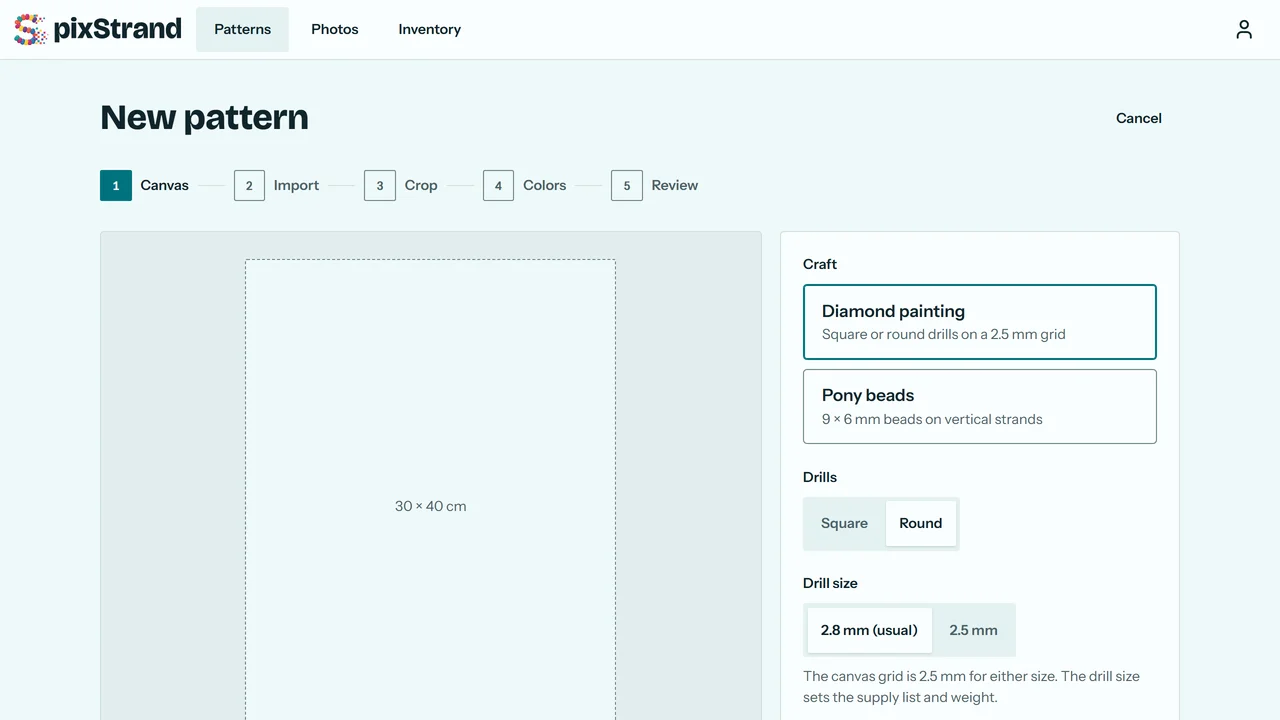
Pick diamond painting or pony beads, then a standard size or your own. Convert a photo (JPEG, PNG, WebP or GIF, up to 40 MB), or start blank and draw your own.
2. Crop and choose colors
For a photo: fill the canvas or fit the whole photo, and set how many colors to use. pixStrand matches each color with color math, not AI, and cleans up stray cells for you. A blank canvas skips this step.


3. Change any cell
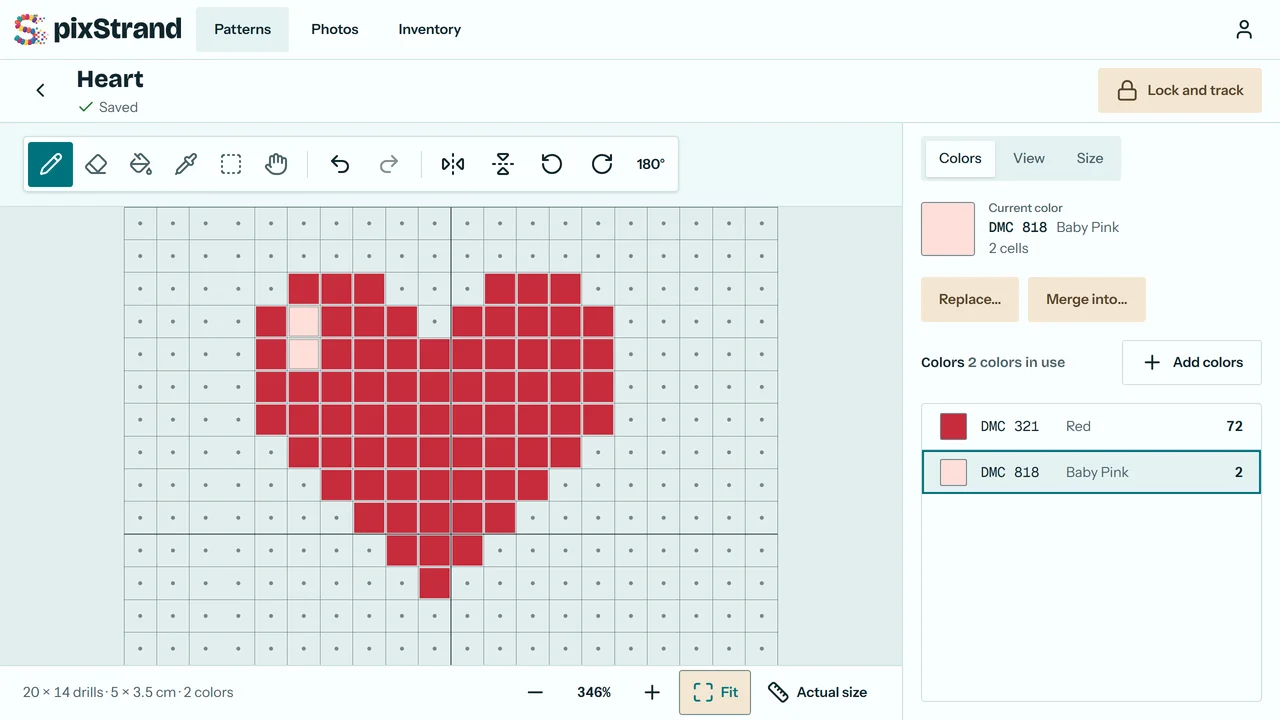
Paint, fill, replace or merge colors in the editor, or trace over the photo.
4. Get your supplies
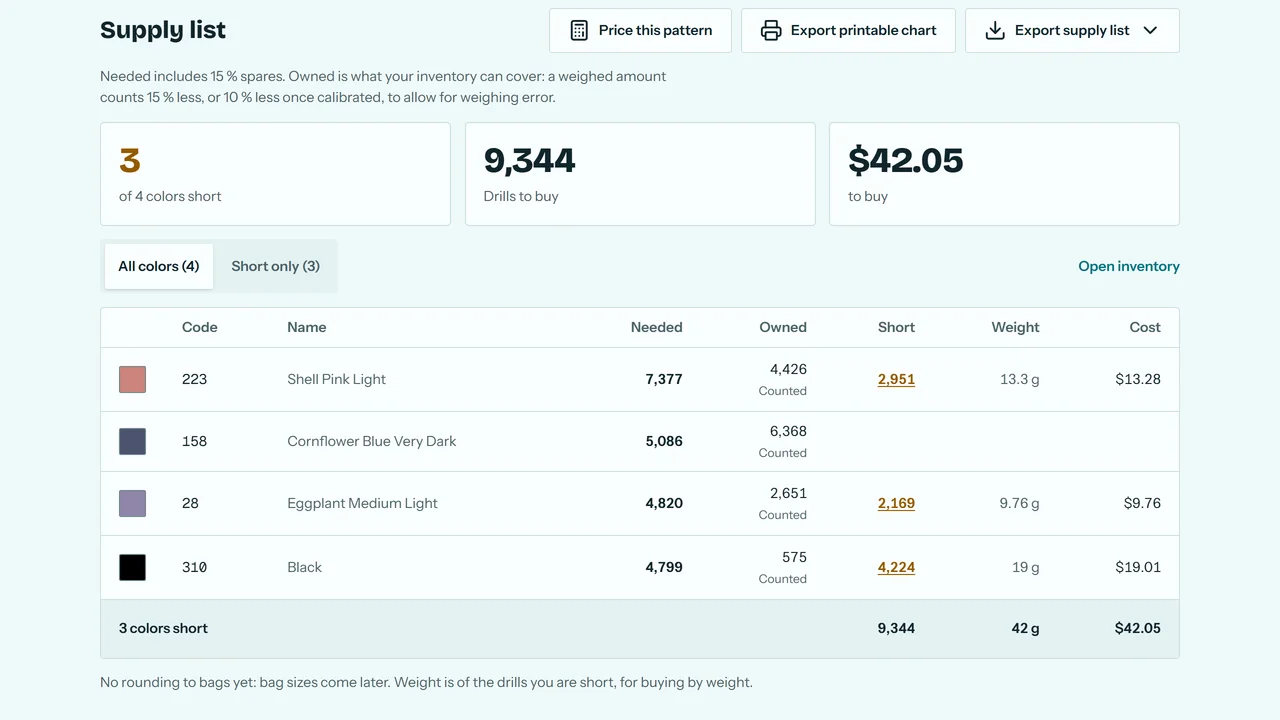
The supply list shows every color you need, what you own, and what you're short. Print a chart if you work from paper.
5. Track as you go
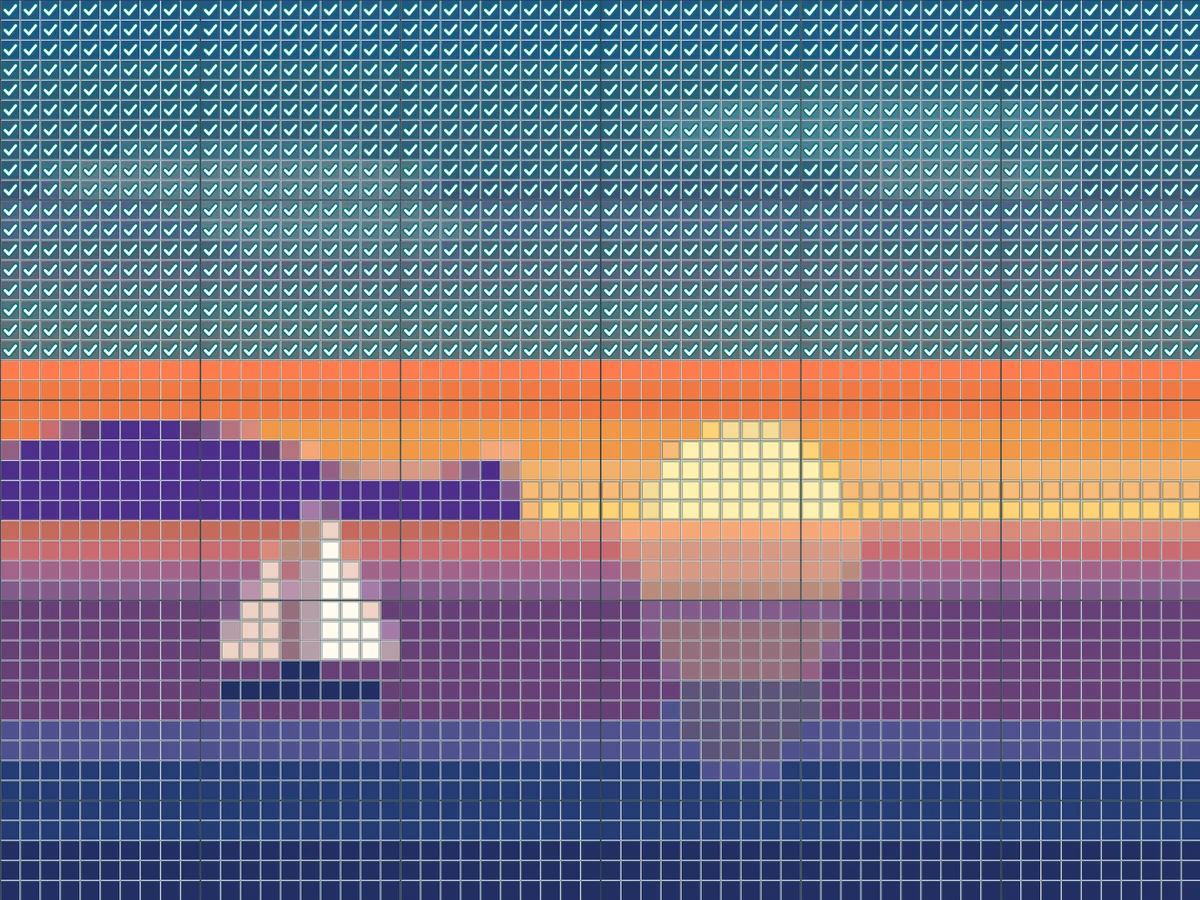
Mark cells, rows or a whole color, work section by section, and see your pace and time left.
6. Offline and on every device
Everything saves on your device first and syncs when you're back online, so you can pick up on another device where you left off.
Free to start. Plus when you need more.
Free has no time limit: 15 saved patterns, every brand palette, and tracking on all your devices. Plus is US$5.99 a month or US$39.99 a year.