Diamond painting and pony-bead patterns you can track
Start from a photo or a blank canvas. Every color is a real DMC drill or pony bead, and pixStrand keeps count of every one as you place it.
Made with color math, not AI.
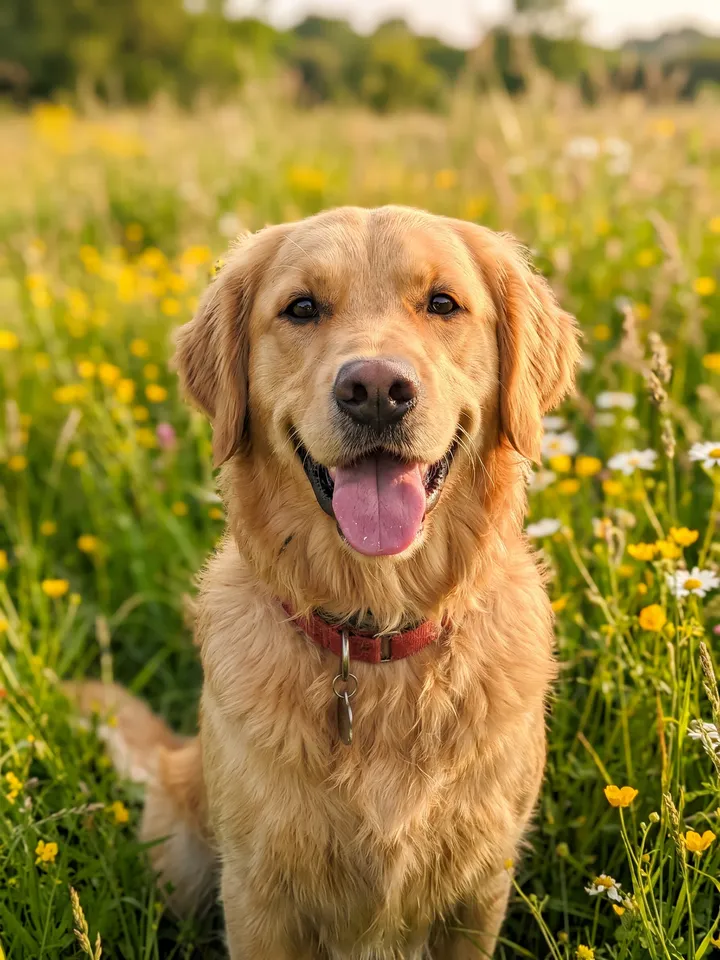
Try it with a photo
No account needed to try it.
JPEG, PNG, WebP or GIF, up to 40 MB. Your photo stays on this device.

See the pattern before you start
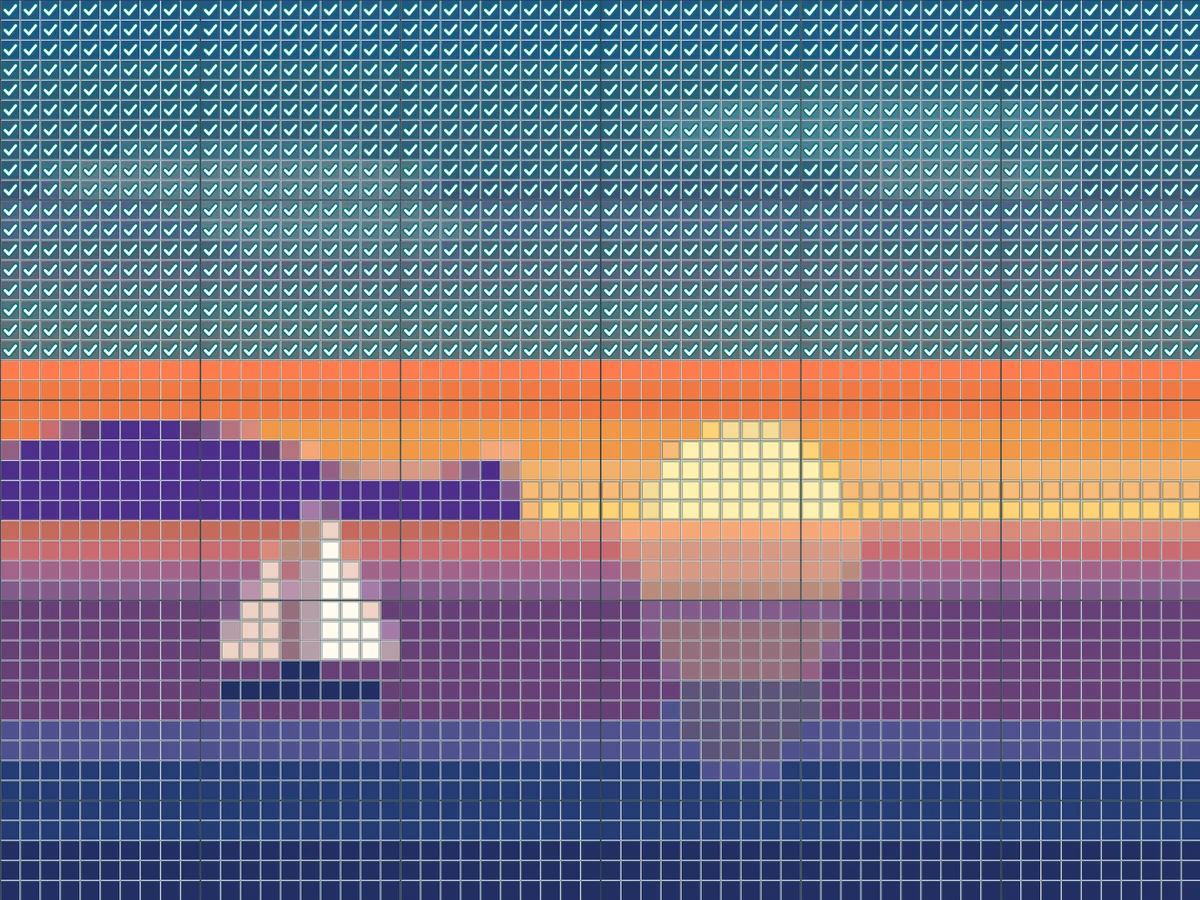
Every color is matched to a real DMC drill or pony bead, so the pattern you see is the one you make.
Example: 30 × 40 cm diamond painting, 40 colors
Two ways to start
From a photo
Choose an image and pixStrand matches every color to a DMC drill or pony bead. Crop it, set how many colors, then change anything you like.
Try it with a photo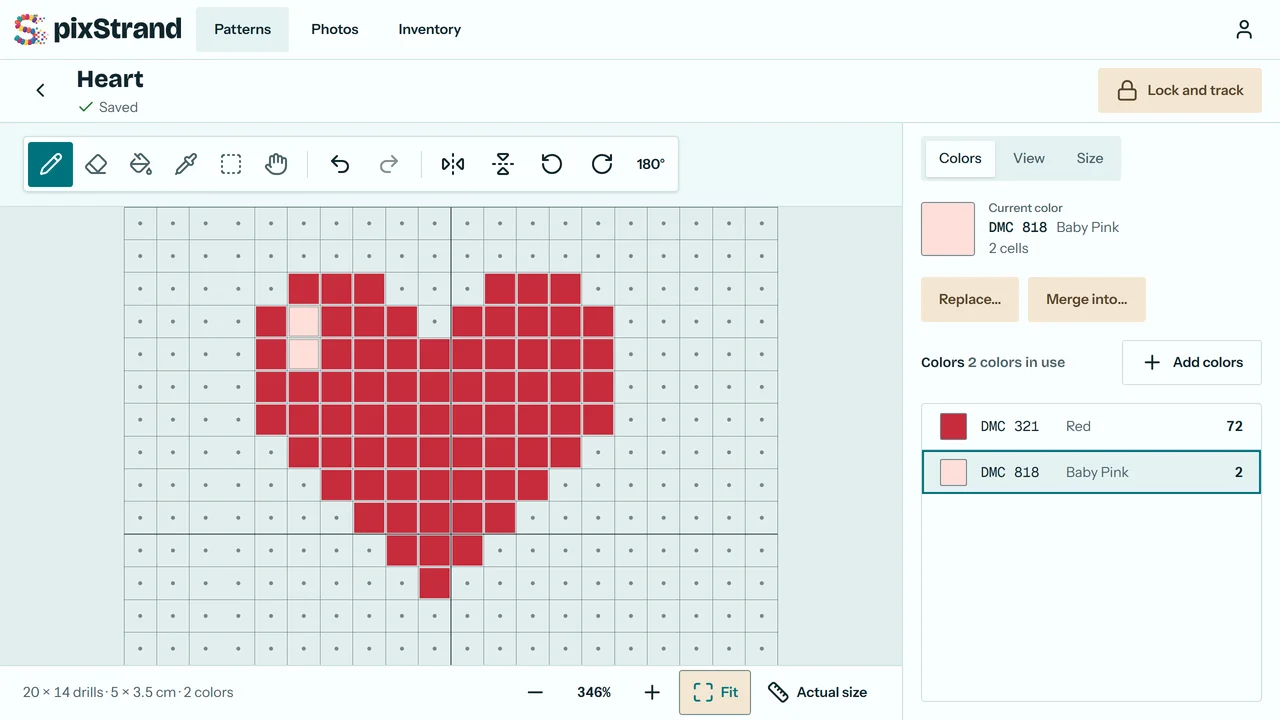
From a blank canvas
Pick a craft and a size and draw your own design in the editor, cell by cell, with every DMC or pony bead color to choose from.
Start with a blank canvasHow it works
Start your pattern
Pick a craft and a size, then convert a photo or start with a blank canvas.
Make it yours
Paint, fill, replace or merge colors in the editor, cell by cell.
Track as you go
Mark drills or beads as you place them, by cell, row or color, and see what's left.
Made for two crafts
Diamond painting
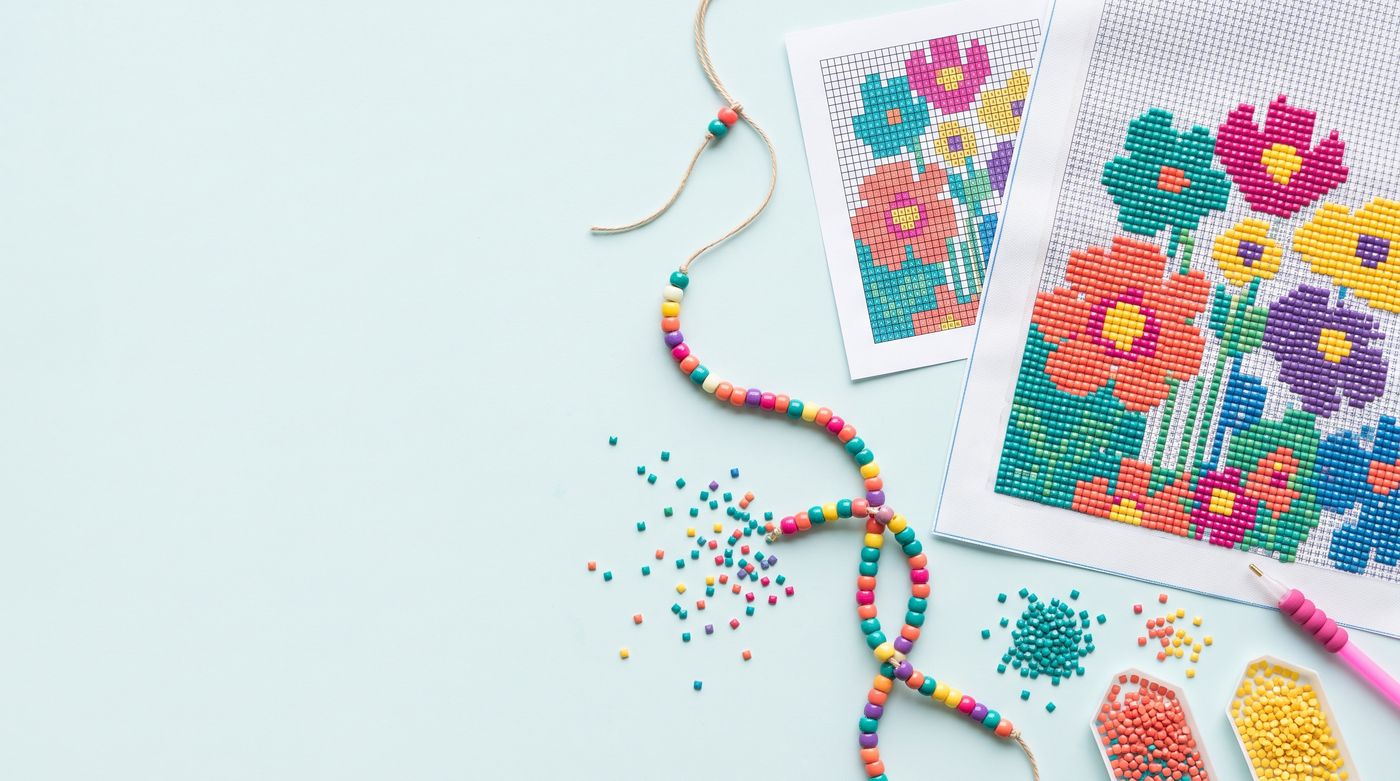
Square or round drills, 489 DMC colors, and canvases from 20 × 30 to 60 × 80 cm.
Diamond painting patterns
Pony beads
Tapestries and door curtains in 9 × 6 mm pony beads, with a strand-by-strand guide.
Pony bead patternsMore crafts are on the way: cross stitch is next, then crochet.
Keep count of every drill
Mark a cell, a row or a whole color. pixStrand shows what's done, what's left and your pace.
Progress saves on your device first, so tracking keeps working offline and syncs when you're back online.
More with Plus
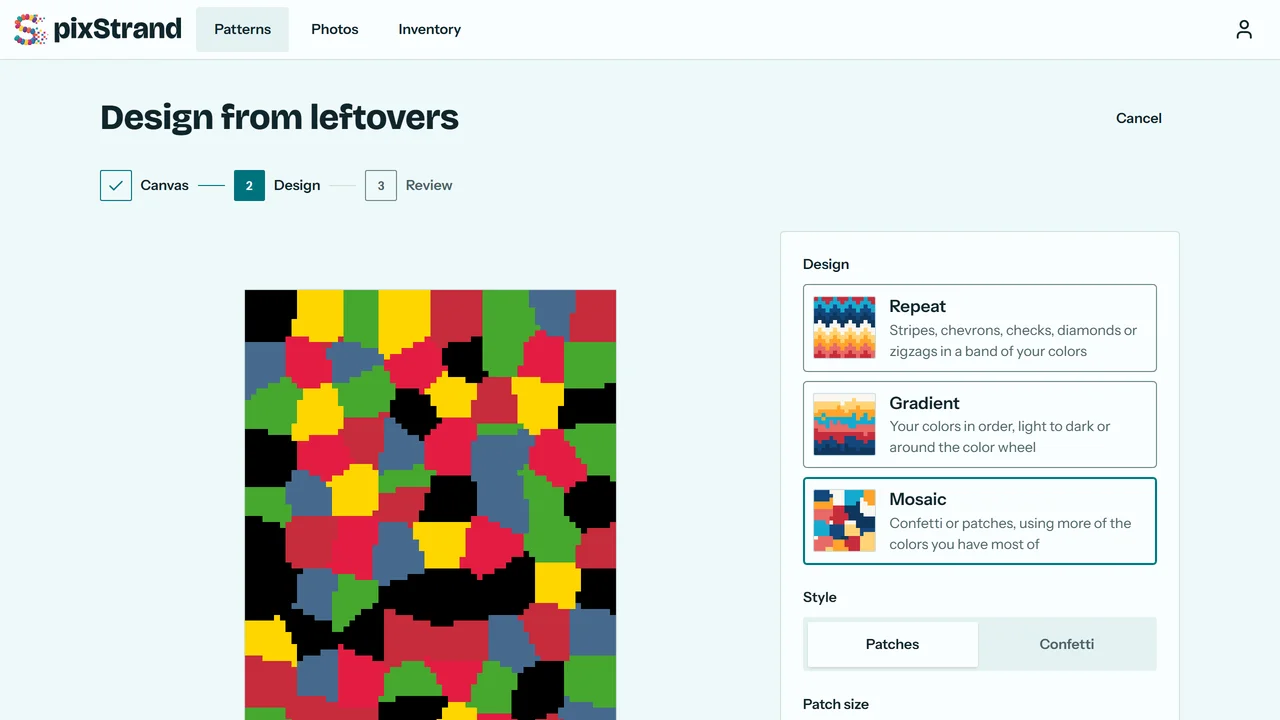
Design from your leftovers
Make a new pattern from the drills or beads you already own.
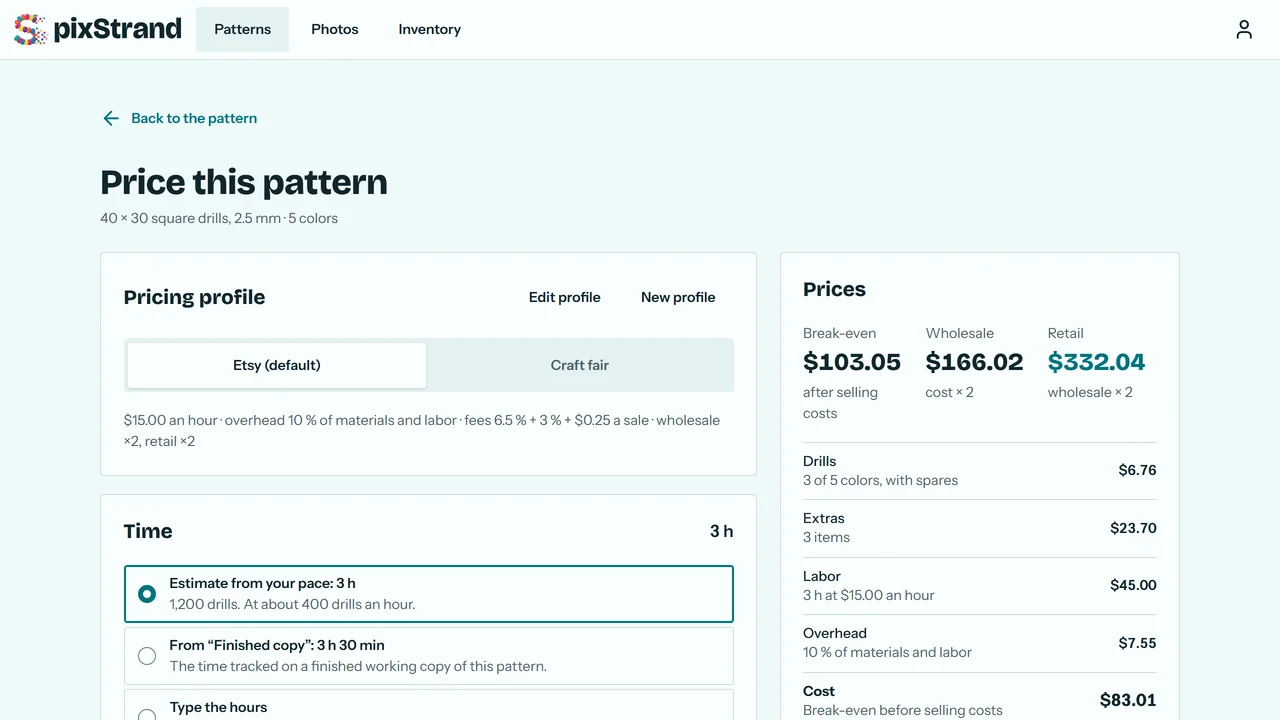
Price what you sell
Add up materials, time and selling costs to see what to charge.
Questions
Do I need an account?
You can try a photo on the home page without one. To save a pattern and track it, create a free account with your email or Google.
Do I need a photo?
No. Start with a blank canvas, choose a craft and a size, and draw your own design in the editor. A photo is one way to start, not the only one.
Which crafts does pixStrand support?
Diamond painting with square or round drills, and pony-bead tapestries and door curtains.
Will you add more crafts?
Yes. Cross stitch is next, with DMC floss on the same grid. Crochet (tapestry, corner-to-corner and filet) is planned after that, and we're looking at other grid crafts such as needlepoint, latch hook and fuse beads.
Does pixStrand use AI?
No. pixStrand makes patterns with color math: it matches each part of your photo to the nearest DMC drill or pony bead color, on your device. No AI sees your photos, and your photos and patterns are never used to train AI. If we add an AI feature later, it will be optional, and you'll choose when to use it.
Is there an app for iPhone or Android?
Not yet. Apps for iPhone and Android are planned. Until then, pixStrand works in the browser on your phone, and the apps will use the same account, so your patterns and progress come with you.
Free to start. Plus when you need more.
Free has no time limit: 15 saved patterns, every brand palette, and tracking on all your devices. Plus is US$5.99 a month or US$39.99 a year.